I was working on a bare-metal driver for an SH1106 OLED display when I ran into a funny little problem: once the screen turns on, what do you actually draw with it?
Text is one thing. You shove bytes into the display buffer, line up a tiny bitmap font, and boom, you have letters. But the moment you want a graphics library — circles, lines, filled shapes, all the fun stuff — the screen suddenly gets very opinionated.
Because, unfortunately, pixels do not care about your beautiful geometry.
Your screen is a grid: a big, dumb, rigid grid of little squares. It does not understand circles, diagonal lines, or geometry. It only knows how to light up individual pixels.
So when a tiny microcontroller driving a $2 OLED display draws something that looks like a smooth circle or a straight diagonal line, it is not doing the kind of math you might expect. It is not measuring angles, calculating square roots, or carefully placing points at fractional coordinates.
Instead, it uses a much simpler trick: turn geometry into a yes/no question you can ask over and over, using only whole numbers.
That trick shows up in two classic drawing problems: filling a circle and drawing a line.
Let’s start with the circle.
The Circle:
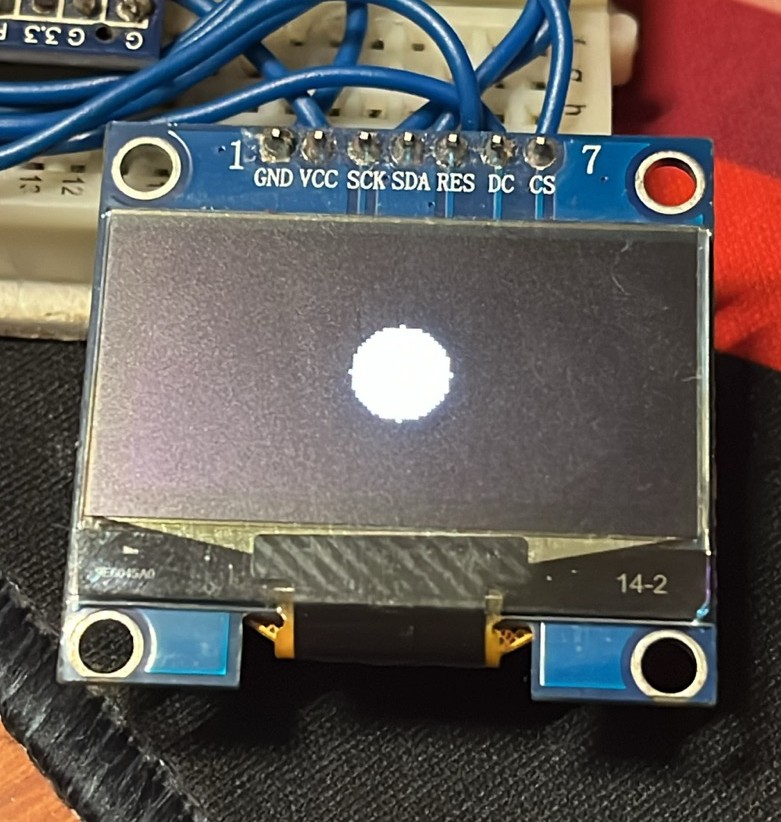
Here is the function in question:
void oled_fill_circle(int16_t xc, int16_t yc, int16_t radius)
{
    for (int16_t y = -radius; y <= radius; y++)
    {
        int16_t x = 0;

        while ((x * x + y * y) <= radius * radius)
        {
            x++;
        }

        oled_draw_hline(xc - (x - 1), yc + y, 2 * x - 1);
    }
}
Here’s what it’s doing, row by row:
- Pick a row (a fixed
yvalue). - Starting at
x = 0, keep stepping right and checkingx^2 + y^2 <= r^2. - The moment that check fails, you’ve stepped outside the circle — so the previous
xwas the last pixel still inside it. - That gives you the width of the circle on that row.
- Since a circle is symmetric, the same width works on the left side too. Draw one horizontal strip across the row.
- Move to the next row and repeat.
That’s it. No trigonometry, no square roots, no floating-point circle equation — just grow a ruler outward one pixel at a time until it exits the circle, then paint a stripe that wide.
Think of a filled circle as a stack of these strips: narrow near the top, wide in the middle, narrow again near the bottom. Once you see it that way, the code is doing exactly one thing per row — measure the widest strip that fits, then draw it.
One catch: this version is simple but wasteful, since it re-measures from the center on every row even though neighboring rows are usually close in width. A more efficient approach, the midpoint circle algorithm, carries the answer forward from one row to the next instead of starting over each time — the same idea the next algorithm leans on.
The Line:
The classic way to draw pixel-perfect lines is Bresenham’s algorithm. It is famous partly because it is elegant, and partly because it was born from a very real hardware limitation.
A Quick History
In 1962, Jack Bresenham was working at IBM on software for a physical pen plotter — a machine that dragged an ink pen across paper to draw engineering diagrams. Like a screen, the plotter had no access to smooth, continuous space. It could move the pen only in fixed steps: up, down, left, right, or diagonally.
The obvious approach — calculate the slope (dy/dx) and nudge y by a fraction on every step in x — needed floating-point math the plotter’s hardware didn’t have. Division and fractional arithmetic were slow or unavailable, and doing that on every point of every line would have crawled.
Bresenham’s insight: the machine didn’t need the exact fractional position of the ideal line. It just needed to answer one question at each step — is the true line closer to this pixel, or the next one? — and that question could be answered with plain integer addition and subtraction. No division, no decimals, no slope calculation inside the loop.
That’s why the algorithm still matters. An OLED microcontroller has the same basic problem the plotter had: approximating continuous geometry on a discrete grid, often without fast floating-point hardware. Something designed in 1962 to keep a mechanical pen moving efficiently still earns its keep on a cheap embedded display in 2026.
The Intuitive Version
Picture walking from point A to point B across graph paper, but you can only take grid steps: one square right, one square up, or both at once. No half-steps.
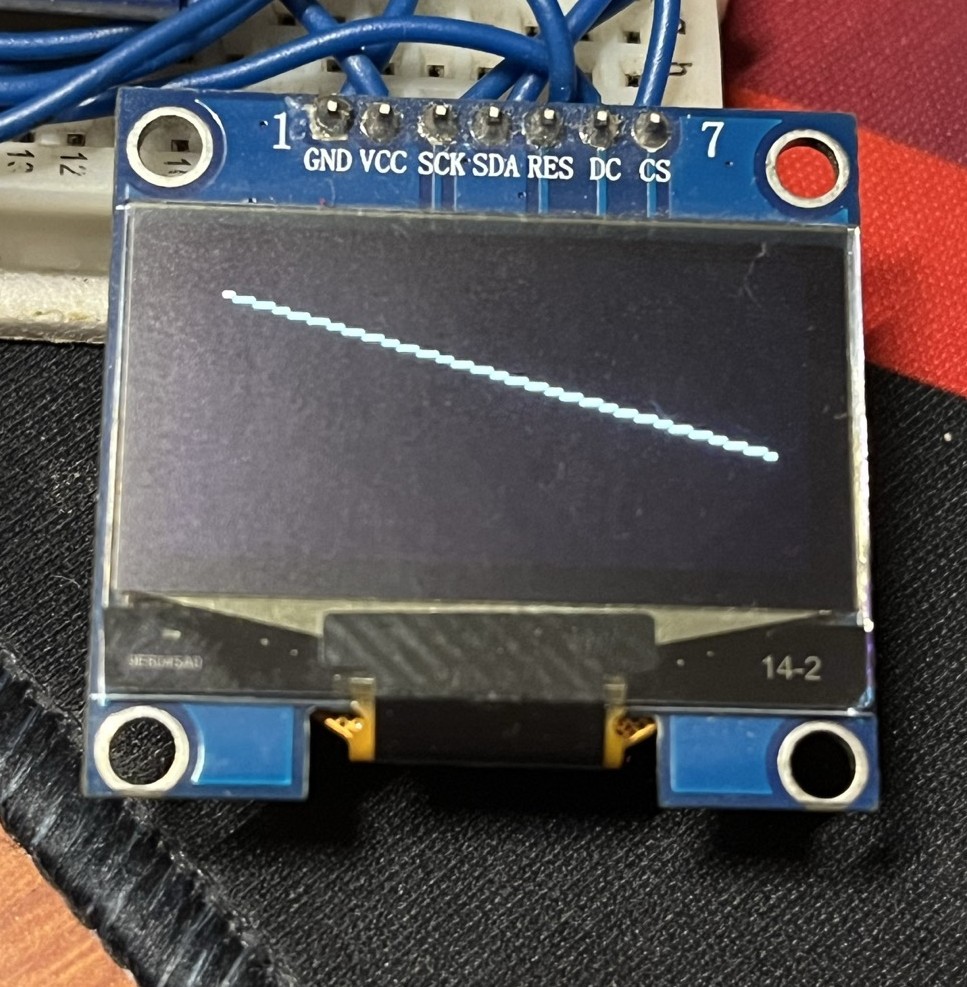
Here’s the full function:
void oled_draw_line(int16_t x0, int16_t y0, int16_t x1, int16_t y1)
{
    int16_t dx = abs(x1 - x0);
    int16_t sx = (x0 < x1) ? 1 : -1;

    int16_t dy = -abs(y1 - y0);
    int16_t sy = (y0 < y1) ? 1 : -1;

    int16_t err = dx + dy;

    while (1)
    {
        oled_draw_pixel(x0, y0);

        if (x0 == x1 && y0 == y1)
        {
            break;
        }

        int16_t e2 = 2 * err;

        if (e2 >= dy)
        {
            err += dy;
            x0 += sx;
        }

        if (e2 <= dx)
        {
            err += dx;
            y0 += sy;
        }
    }
}
Here’s the logic behind it:
dxanddyare the horizontal and vertical distances to cover (dyis stored negative — a small trick that keeps the comparisons below simple).sxandsyjust say which direction to step: +1 or -1, depending on whether the endpoint is to the right/left or above/below the start.erris the running error score — how far the grid-walk has drifted from the true mathematical line.- On every loop, plot the current pixel, then check the score:
- Drifted too far horizontally → step in
x(x0 += sx). - Drifted too far vertically → step in
y(y0 += sy). - Drifted in both → both conditions fire, giving a diagonal step (exactly what you want near a 45° line).
- Drifted too far horizontally → step in
- The score updates using only whole numbers, every time — no fractions anywhere in the loop.
The algorithm never needs the line’s exact fractional position — just enough error to make the next yes/no call. Same bargain as the circle-fill, but with a memory of what happened on the last step.
The Pattern Underneath Both
The circle-fill and Bresenham’s line algorithm solve different problems, but they share the same underlying strategy: replace continuous geometry with repeated integer decisions.
The circle example is the more brute-force version: simple, direct, and easy to understand. Bresenham’s line is the more refined version — it avoids redoing work by preserving state as it moves.
And that is the part I like most about these old graphics tricks. They are not fancy because they use more math. They are fancy because they use just enough math, then get out of the way. A tiny display, a slow little chip, and a handful of integer checks are enough to make geometry appear out of a grid of square lights.
If you want to see these ideas from another angle, this video and some others on this channel are a nice companion to the topic.
So the next time a diagonal line or a little circle shows up on a cheap OLED, it is worth appreciating the tiny negotiation happening underneath. The screen still does not understand fractions. The code just learned how to ask better questions.